Expire a Badge
Badges can optionally be configured with expiration periods (see Edit Badge Properties for more information). In addition, you can manually expire a Badge.
Note: You can also expire a Badge from the Members tab of the Badge Details screen. See Expire a Badge for more information on that process.
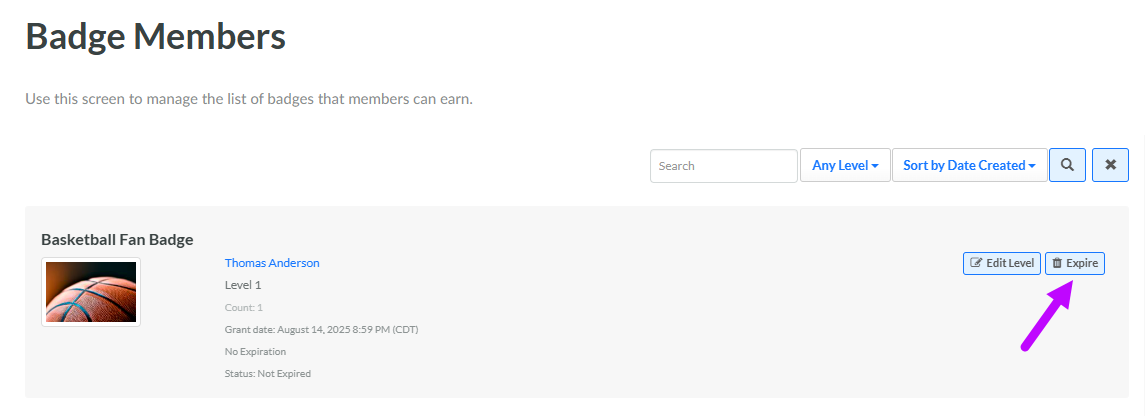
To manually expire a Badge from the Badge Members screen:
-
Select Rewards from the top navigation bar, then select Badges > Badge Members from the side navigation menu. The Badge Members screen is displayed.
-
Search for the desired Badge Member (see Search for a Badge Member for more information on the available search options).
-
Next to the desired Badge Member, click Expire . A confirmation dialog box is displayed; click Confirm.